Account Settings & Subscription Plans
Everything about your profile lives in Settings; subscription plans are purchased on the Subscribes page.
Student
Instructor
1. Update Your Profile & Password
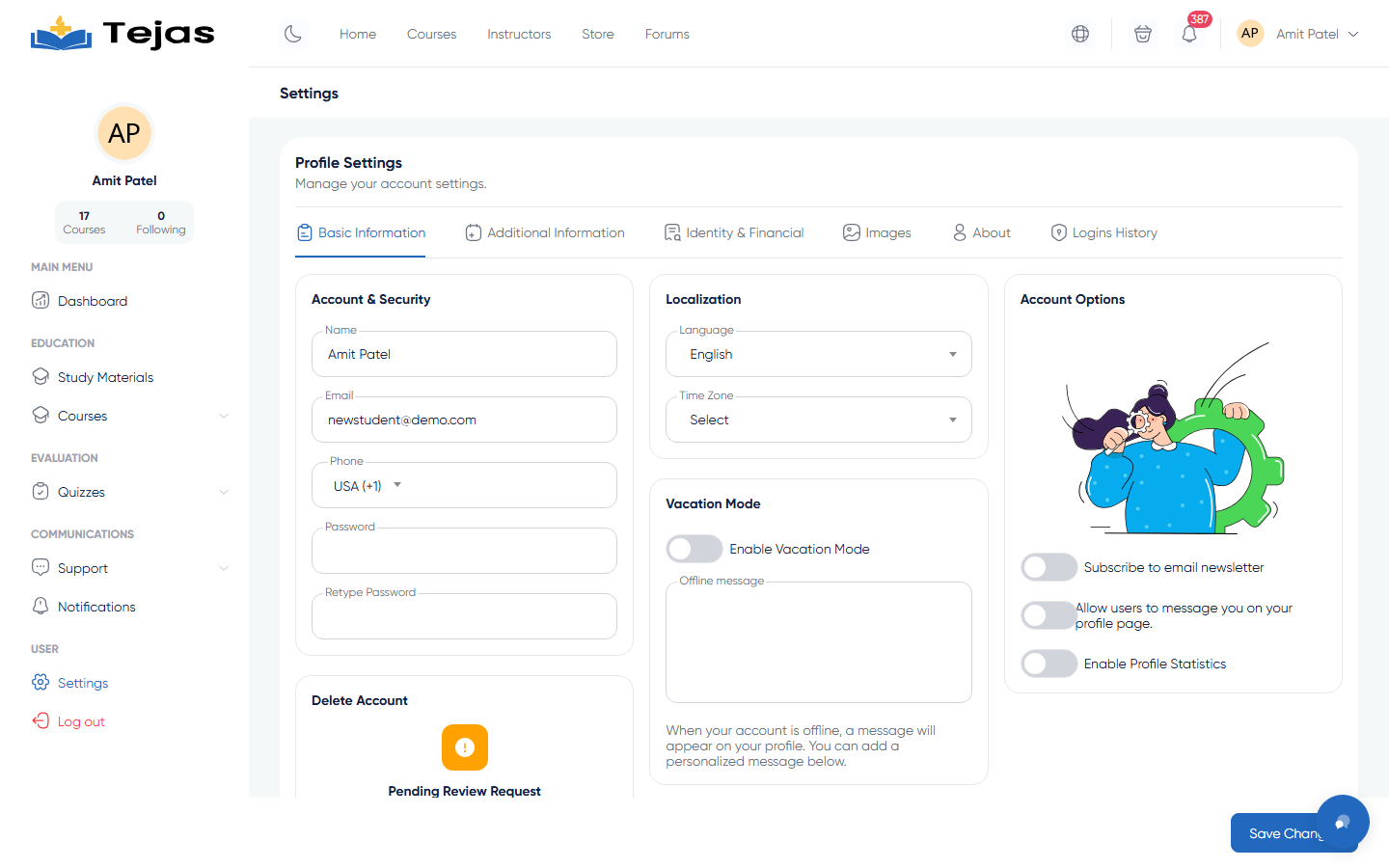
- Log in → click your avatar (top-right) → Settings (or Dashboard → sidebar Settings).
- On the Basic Information tab, under Account & Security, edit your Name, Email, Phone — and to change your password fill Password + Password repeat.
- Further down set Localization (language, timezone, currency) and the account toggles (newsletter, profile messages, profile statistics).
- Click the sticky Save settings button at the bottom.
2. The Other Settings Tabs
- Extra Information — gender, skill level, education and experience entries.
- Identity and Financial — payout bank account and identity documents (needed by instructors for payouts).
- Images — profile photo, cover, video, signature.
- About — your public bio.
- Login History — active sessions on your account; end any session you don't recognize.
Delete account: at the bottom of Basic Information — the red Delete account button submits a deletion request for admin review.
3. Buy a Subscription Plan
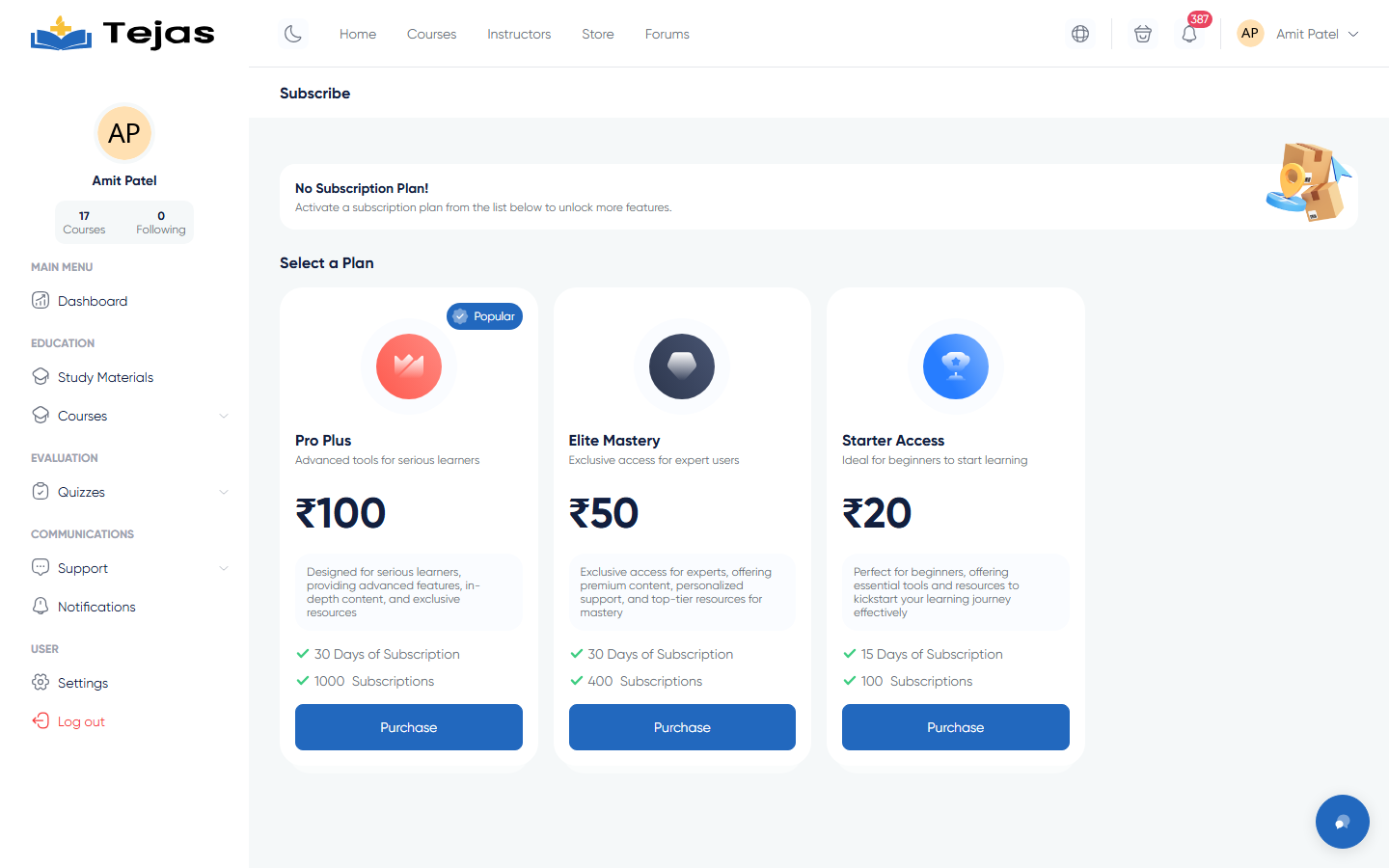
- Click Upgrade on your dashboard, or open /panel/financial/subscribes.
- Compare the plan cards — each shows the price, days of subscription, and how many courses it covers (or Unlimited).
- Click Purchase on your plan and complete the payment (some plans also offer installments).
- To use it, open any course marked as subscription-eligible and click its Subscribe button — the course is added to your purchases without a separate payment.